Guest side
Scan a contextual QR code
Table, room or window: the QR opens the right venue, the right context and the right action without an app to install.
Demo
The demo shows what a guest experiences after scanning, then what the team controls on the venue side: menu, QR codes, hours, orders and public page.
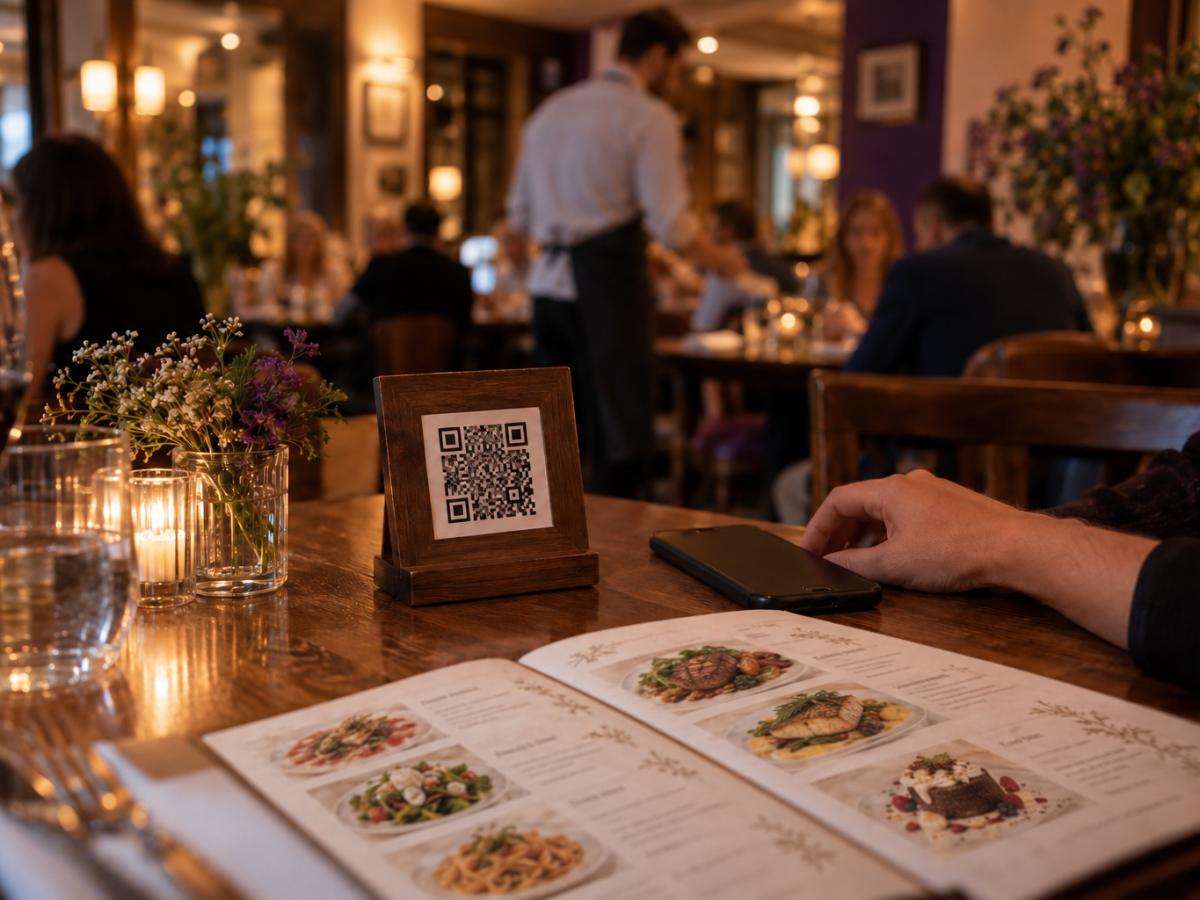
Guest side
Table, room or window: the QR opens the right venue, the right context and the right action without an app to install.
Public menu
Guests see products, prices, variants, allergens, available languages and sold-out items without entering a complicated funnel.
Professional workspace
The team updates menus, hours, photos and QR codes from a workspace designed around service gestures.
What the demo covers
This is not an abstract video promise: it points you to the concrete surfaces the product already exposes.
Discovery, venue page, readable menu and actions enabled according to context.
Menus, products, options, languages, hours and QR codes that remain valid.
Roles, venues, order tracking and preparation for a broader rollout.
Ready to try
You can open a first venue for free, or write to us for a demo adapted to your service model.